Four rooms
The Toy Workshop
Filter and sort the order log, find the hidden column, add up the marked shelves.
The Sleigh Chart Room
Filter the chart list, read a note stuck to a cell, find one phrase on a wall full of numbers.
The Clock Tower
A sheet you can't see, a cell that looks empty, a date subtraction, a skipped line.
Santa's Sack
Add up the weights, use the codes you already opened, find the toy packed twice. Opens after Rooms 1–3.
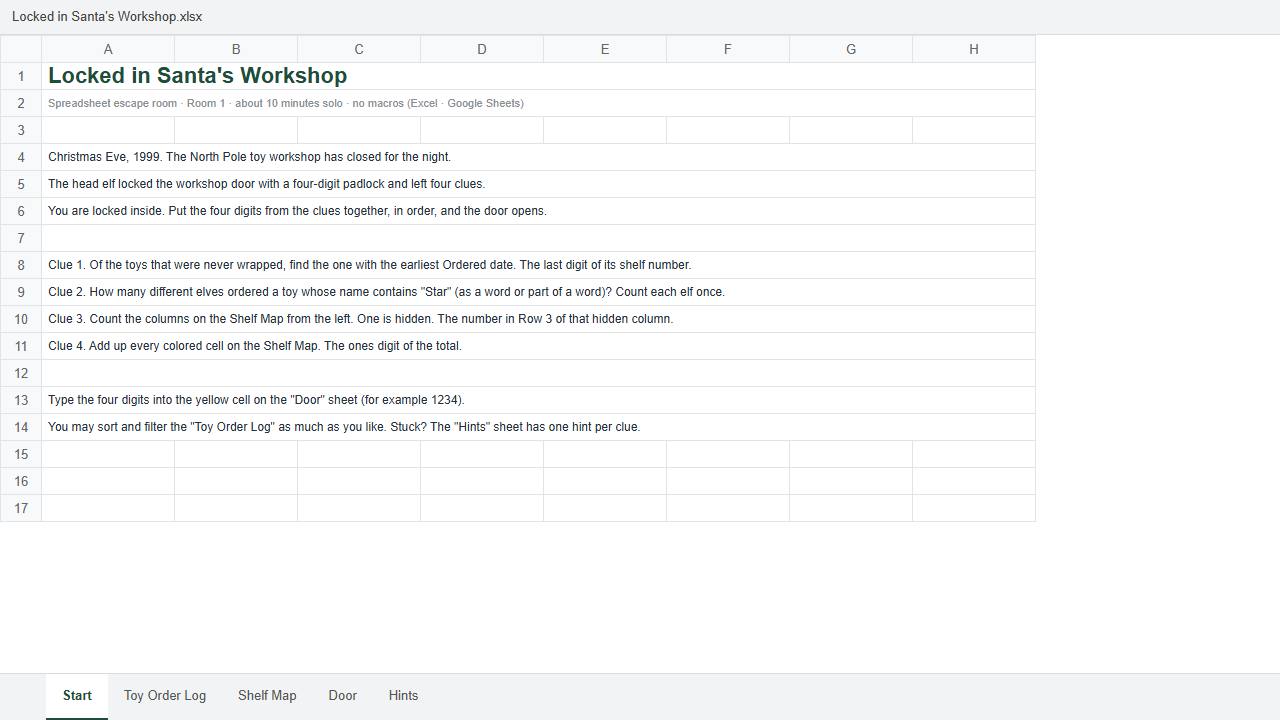
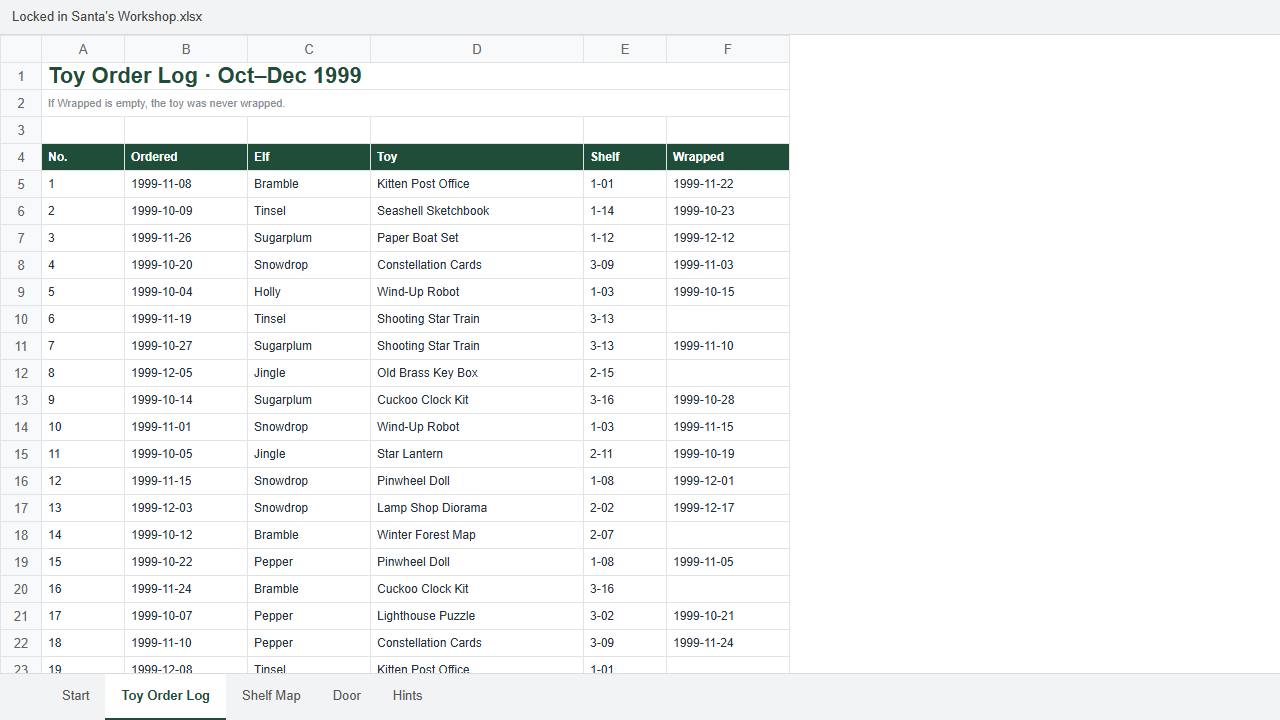
Pictures drawn from the real file's cells. In Excel or Google Sheets, menus and fonts look a little different.
How it works
- Each room has a Start sheet with four clues. Each clue gives you one digit.
- Type the four digits on the Door sheet. Only the right code opens the door and makes the note to the next room readable.
- The answers are not written anywhere in the file. Opening the formulas won't show them.
- Stuck? The Hints sheet has one hint per clue.
Plan on 10–30 minutes per room. You don't need to be good at spreadsheets: the hints walk you through each trick, and by the end filters, Find and SUMIF will feel easy.
Good for
- An office Christmas party or team meeting: put it on the big screen and solve together
- Classes learning Excel or Google Sheets who want something better than drill worksheets
- A quiet 20 minutes on a December lunch break
Not for
- Anyone expecting pictures, sound or animation: it's tables and text.
- Devices that can't open Excel or Google Sheets
Price
$1.29 in the US, ₩1,900 elsewhere (about $1.30), paid once, for one .xlsx file with all four rooms. No subscription, nothing extra.
Polar handles payment. Right after paying you get the download link on screen and by email.
Digital Christmas escape rooms on teacher marketplaces sell for about $3.50–$8 (October 2026).
Digital file; once downloaded, change-of-mind refunds may be limited. Within 7 days of purchase we refund in full on request; if it doesn't open or a correct code fails, we send a fixed file. Story and puzzle design made with help from generative AI.
Try Room 1 free firstQuestions
What do I open it with?
It's a regular .xlsx file with no macros, so it opens in Excel or Google Sheets. In Google Sheets, upload it to Drive and double-click it. If Excel shows a yellow "Protected View" bar, click "Enable Editing" so you can type in the yellow cell.
Is Room 1 in the full version the same as the free one?
Yes. If you already solved the free Room 1, carry on from Room 2.
Can we play as a group?
Yes. Put the file on a shared screen or projector and solve together. Please don't resell or post the file publicly.
What if we can't figure out a clue?
The Hints sheet has one line per clue. Still stuck? Email contact@kavotin.com.